
Run Digital Signage on Windows without Internet
Running digital signage doesn’t have to be complicated or expensive.
Many businesses today are looking for a simple way to display content on screens without relying on unstable internet connections or paying monthly software fees.
The good news? You can easily run digital signage using a Windows-based system — just like using your everyday laptop.
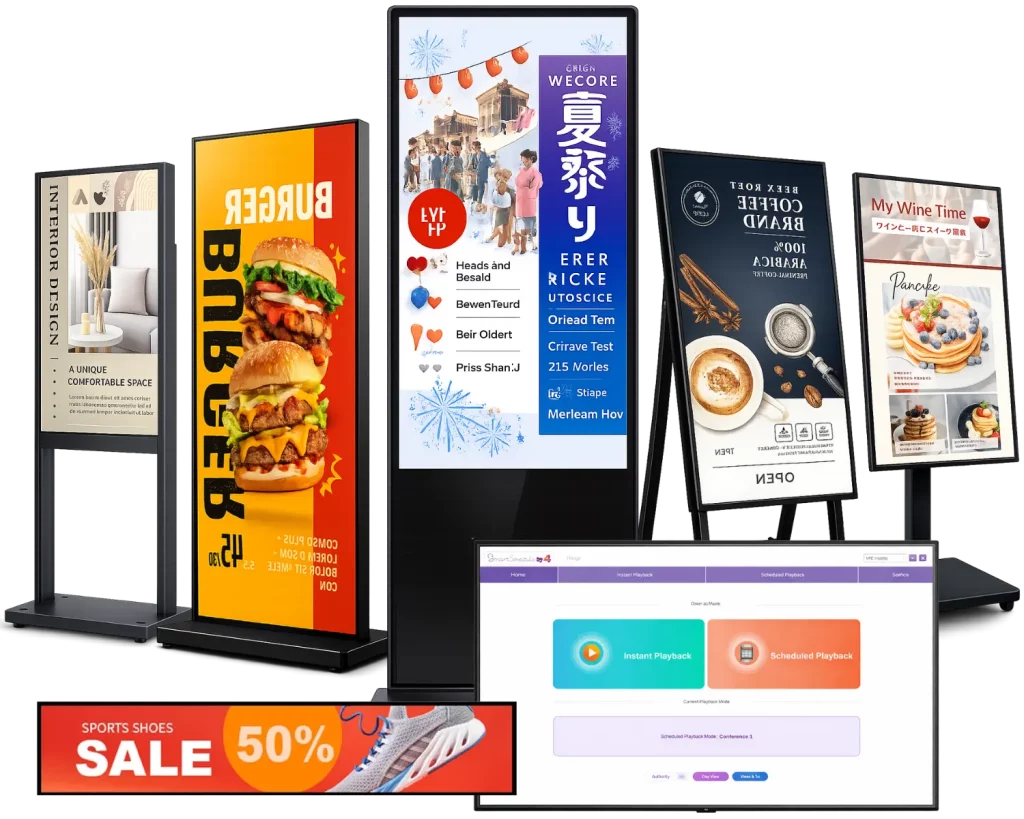
Why Use Windows for Digital Signage?
Unlike Android-based systems, Windows digital signage offers a more flexible and familiar environment.
Key advantages:
- No learning curve (just like your work PC)
- Supports keyboard and mouse
- Compatible with most media formats
- Stable performance with Intel CPU
- Easy integration with existing systems
👉 This makes it ideal for businesses that want reliability without complexity.

Can Digital Signage Work Without Internet?
Yes — and this is one of the biggest advantages of a Windows-based solution.
With offline playback, you can:
- Run content without WiFi
- Avoid black screens when the internet disconnects
- Maintain stable performance in any environment
👉 This is especially useful for:
- Restaurants
- Retail stores
- Clinics
- Exhibition booths
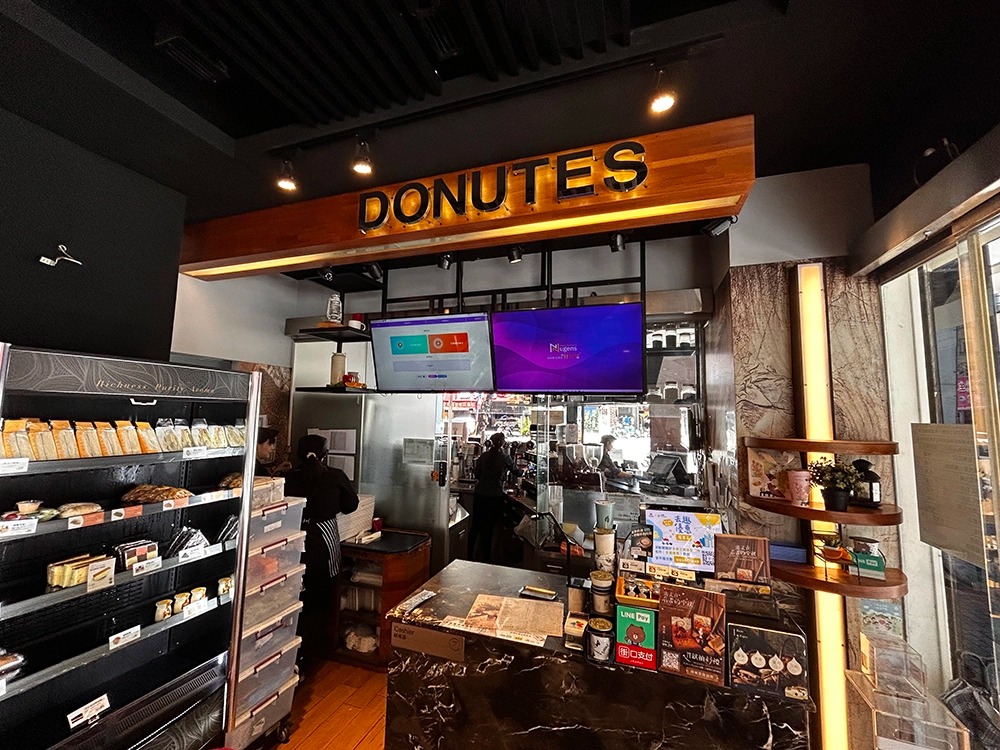
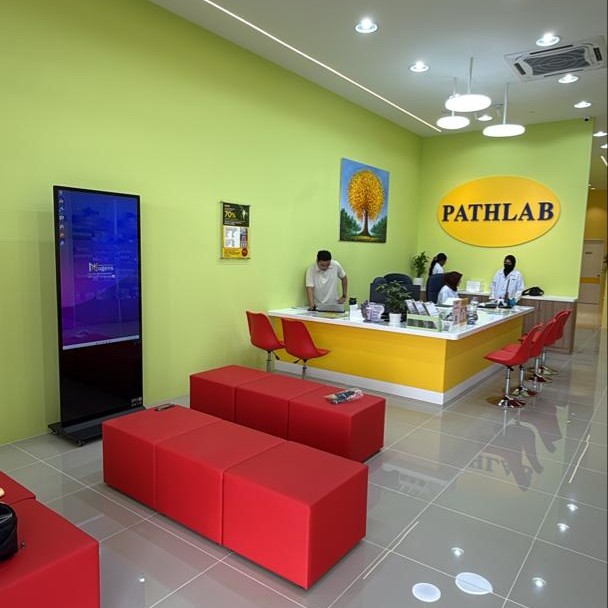
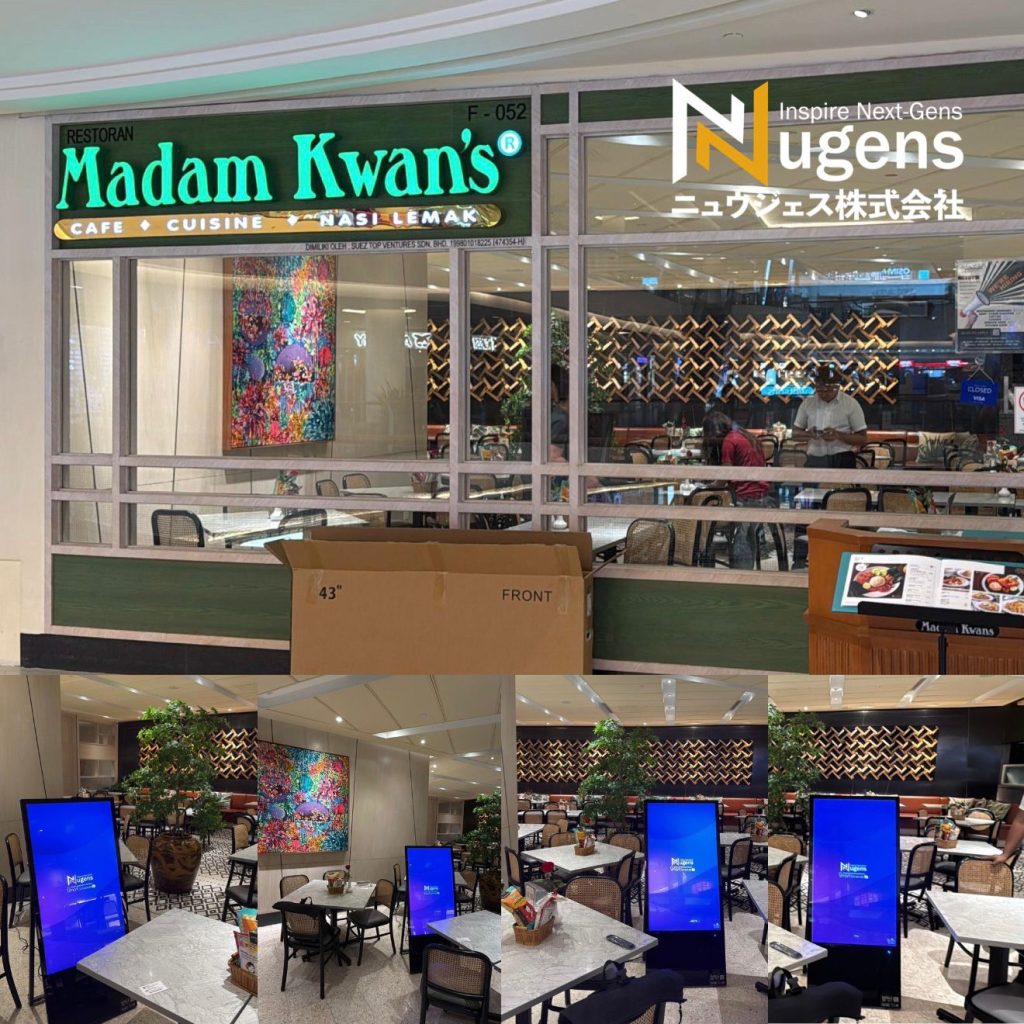
How to Set Up Digital Signage on Windows
Setting up is easier than you think.
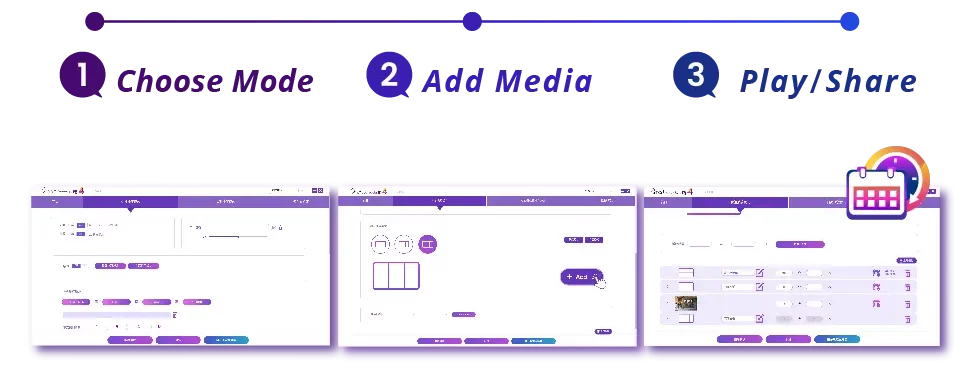
Step 1: Prepare your content
Images, videos, menus, or promotional materials.
Step 2: Install digital signage software
Use a Windows-based solution that supports scheduling and offline playback.
Step 3: Create your playlist
Arrange your content and set display timing.
Step 4: Start playback
Run your signage instantly — no internet required.
Best Use Cases for Windows Digital Signage
Windows signage is widely used across industries:
Retail
- Promotions and product displays
Restaurants
- Digital menus and combo sets
Offices
- Internal announcements and dashboards
Healthcare
- Patient information and queue systems
Why Choose a No Monthly Fee Solution?
Most cloud-based digital signage platforms charge monthly fees per screen.
Over time, this becomes expensive.
With a one-time license:
- No recurring cost
- Full control over your system
- Better long-term ROI

Start Using Windows Digital Signage Today
If you’re looking for a simple, reliable, and cost-effective solution, a Windows-based digital signage system is the best place to start.
👉 No monthly fees
👉 Works offline
👉 Easy to use